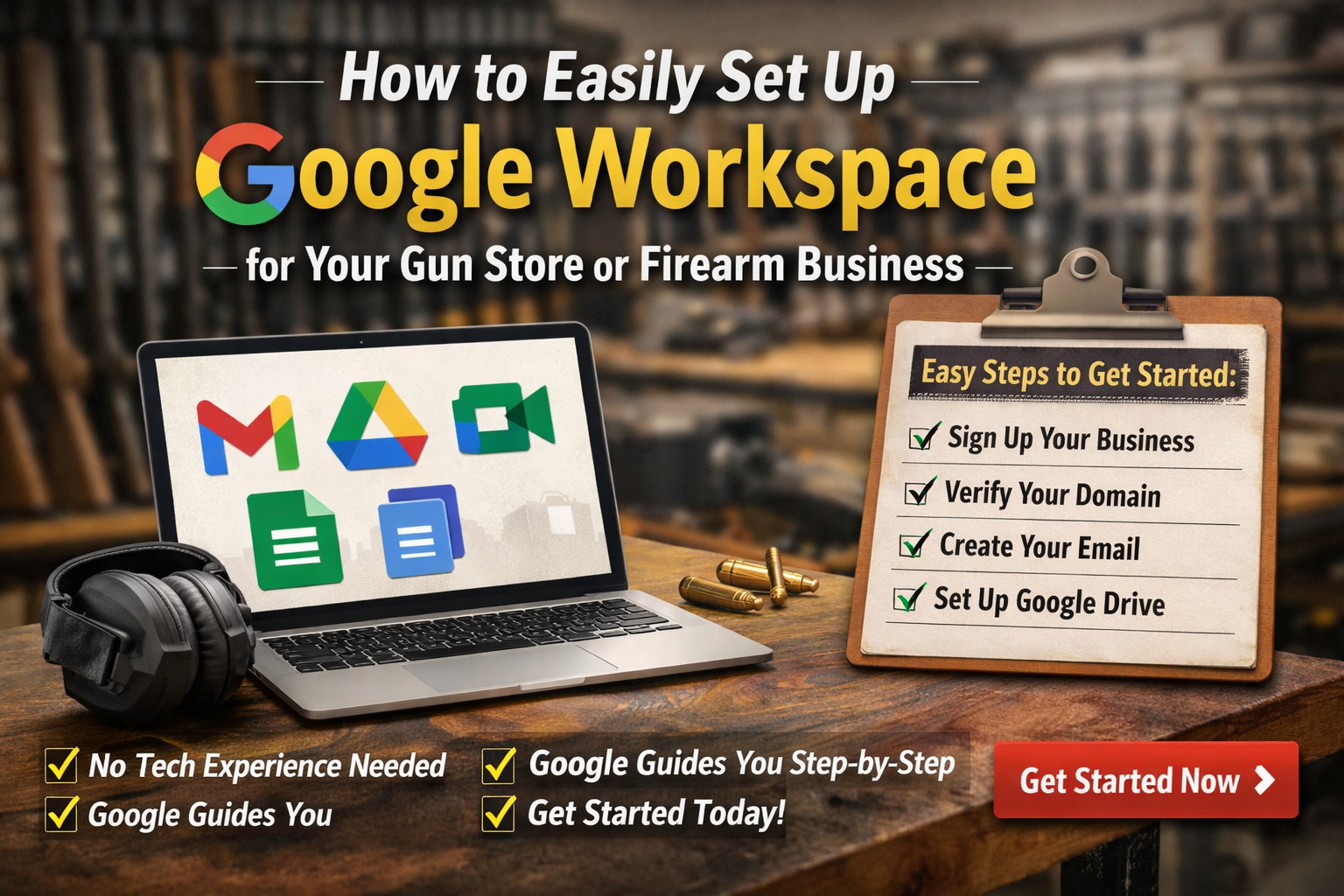
If you’re running a gun store, range, manufacturing company, or firearm eCommerce business and still using a basic Gmail or hosting-based email… don’t worry.
You’re not behind.
You’re just ready for the next level.
Google Workspace is one of the simplest upgrades you can make to your business — and the best part?
Google walks you through the entire process step-by-step.
You don’t need to be technical.
You don’t need an IT department.
You just need to follow the prompts.
In this guide, we’ll show you:
-
Why Google Workspace is worth it
-
How easy the setup actually is
-
What features you get included
-
How to structure it properly for your firearm business
And yes — this is something you can do.
What Is Google Workspace?
Google Workspace is Google’s business system that gives you:
-
Professional email (you@yourgunstore.com)
-
Business Gmail interface
-
Google Drive secure storage
-
Google Docs, Sheets, Slides
-
Google Calendar
-
Google Meet video calls
-
Central admin control over your whole company
Instead of using scattered tools, everything lives under your domain, organized and secure.
And again — Google literally guides you through each step during setup.
Why Firearm Businesses Should Use Google Workspace
Let’s keep this simple.
If you’re dealing with:
-
Distributors
-
Manufacturers
-
Compliance documents
-
Website platforms
-
Payment processors
-
Employees
-
Marketing agencies
You need structure.
Google Workspace gives you that structure without making things complicated.
First: Take a Breath. This Is Easier Than You Think.
A lot of business owners hesitate because they think:
“I don’t want to mess something up.”
“What if I break my email?”
“I’m not technical.”
Here’s the truth:
-
Google’s setup wizard walks you through each step.
-
It tells you exactly what to click.
-
It gives you copy-and-paste instructions.
-
You can’t “ruin” your business by starting the process.
It’s guided.
It’s structured.
It’s designed for business owners — not developers.
Step-by-Step: Setting Up Google Workspace
Step 1: Start the Signup
Begin here:
👉 Set Up Google Workspace Here
Google will ask basic questions:
-
Business name
-
Number of employees
-
Your domain name
That’s it.
You just answer what’s in front of you.
Step 2: Use Your Business Domain
If you already have:
yourgunstore.com
yourrange.com
yourbrandname.com
Perfect.
Google will connect Workspace to that domain.
If you don’t have one yet, secure it first — then come back.
Google will tell you exactly what to do.
Step 3: Verify Your Domain (Google Guides You)
This sounds technical, but it’s not.
Google gives you:
-
A small code
-
Clear instructions
-
Exactly where to paste it
You log into your domain provider (GoDaddy, Namecheap, etc.), paste the code into DNS, and hit save.
That’s it.
If you get stuck, Google has live support and step-by-step screenshots.
You are not on your own.
Step 4: Update Email Settings (MX Records)
Again — this sounds complicated.
It’s not.
Google literally gives you:
-
The exact records
-
The exact values
-
A copy-and-paste format
You paste them in, save, and email begins flowing into Gmail.
No coding.
No programming.
Just following instructions.
Step 5: Create Your First Professional Email
Instead of:
You’ll now have:
sales@yourgunstore.com
support@yourgunstore.com
admin@yourgunstore.com
This immediately increases credibility with:
-
Distributors
-
Manufacturers
-
Vendors
-
Customers
And creating users inside Workspace is as easy as filling out a short form.
What Else Comes with Google Workspace?
Most people think it’s “just email.”
It’s much more.
Google Drive (Secure File Storage)
-
Store FFL documents
-
Save distributor agreements
-
Organize compliance paperwork
-
Keep marketing assets centralized
-
Share files with controlled access
You control who sees what.
Google Docs, Sheets & Slides
-
Create SOPs
-
Track inventory spreadsheets
-
Share pricing sheets internally
-
Build internal systems
No Microsoft licenses required.
Everything saves automatically.
Google Calendar
-
Schedule staff
-
Coordinate marketing campaigns
-
Book meetings
-
Share calendars across departments
You can even see availability instantly across your team.
Google Meet
-
Vendor meetings
-
Distributor calls
-
Remote training
-
Marketing check-ins
No additional software needed.
Admin Console (Your Control Center)
This is powerful but easy.
From one dashboard you can:
-
Add or remove employees
-
Reset passwords
-
Enforce two-factor authentication
-
Transfer file ownership
-
Suspend access instantly
If someone leaves your company, you stay in control.
That alone makes Workspace worth it.
Built-In Security Features
Included in most plans:
-
Two-step verification
-
Advanced spam protection
-
Device management
-
Activity logs
-
Data loss prevention (higher tiers)
This protects your business accounts — which is critical in the firearm industry.
Recommended Plan for Most Gun Stores
For most firearm retailers or eCommerce brands:
Business Standard is perfect.
If you have multiple employees and want extra security and storage, Business Plus is a strong option.
You can always upgrade later.
Start simple.
Why This Is a Smart First Move
Before:
-
Personal Gmail accounts
-
Shared passwords
-
Files scattered across computers
-
No access control
After Workspace:
-
Structured professional email
-
Centralized file system
-
Secure team collaboration
-
Ownership of everything
It’s not overwhelming.
It’s just leveling up.
You Don’t Have to Do Everything at Once
Here’s something important:
You don’t need to set up every feature on day one.
Start with:
-
Professional email
-
Basic Drive folders
-
User accounts
You can build from there.
Google makes it easy to grow into the platform.
We Recommend Google Workspace to All Our Firearm Clients
At Gun Store Digital Marketing, we’ve seen how much cleaner operations become once businesses move into Workspace.
It helps with:
-
Website ownership
-
Advertising accounts
-
Distributor logins
-
Employee management
-
Scaling your company
And once it’s set up, you’ll wonder why you didn’t do it sooner.
Take the First Step
If you’ve been putting this off, don’t overthink it.
Start here:
👉 Create Your Google Workspace Account Here
Follow the prompts.
Answer the questions.
Copy and paste what Google gives you.
That’s it.
If you want help structuring it properly for long-term growth, we’re here.
But you can absolutely start this today on your own.
And Google will walk you through it.
At Gun Store Digital Marketing, we specialize in building complete digital infrastructure for firearm businesses — from professional website development and eCommerce builds to advanced SEO, advertising strategy, email marketing automation, and long-term growth systems. Setting up Google Workspace the right way is often the first foundational step before launching a new website, scaling online sales, or improving operational control. If you’re investing in your digital presence, we make sure everything behind the scenes is structured properly from day one. And if you ever want help engineering your website, SEO strategy, or full online ecosystem, our team is here to help.